Skip to content
Yealink Logo
Transform your Meeting Room into a Smart Workspace

Are you still trying to look at a laptop screen or large monitor when having a meeting as a group?

Since Covid, Teams has been a go-to solution for having meetings, but not all businesses have adopted smart workspaces, where meeting room devices integrate directly into Teams Meetings to allow seamless collaboration both in person, and for people joining remotely.

Here’s a short video demonstrating the potential of Yealink to transform your room into a Smart Workspace.

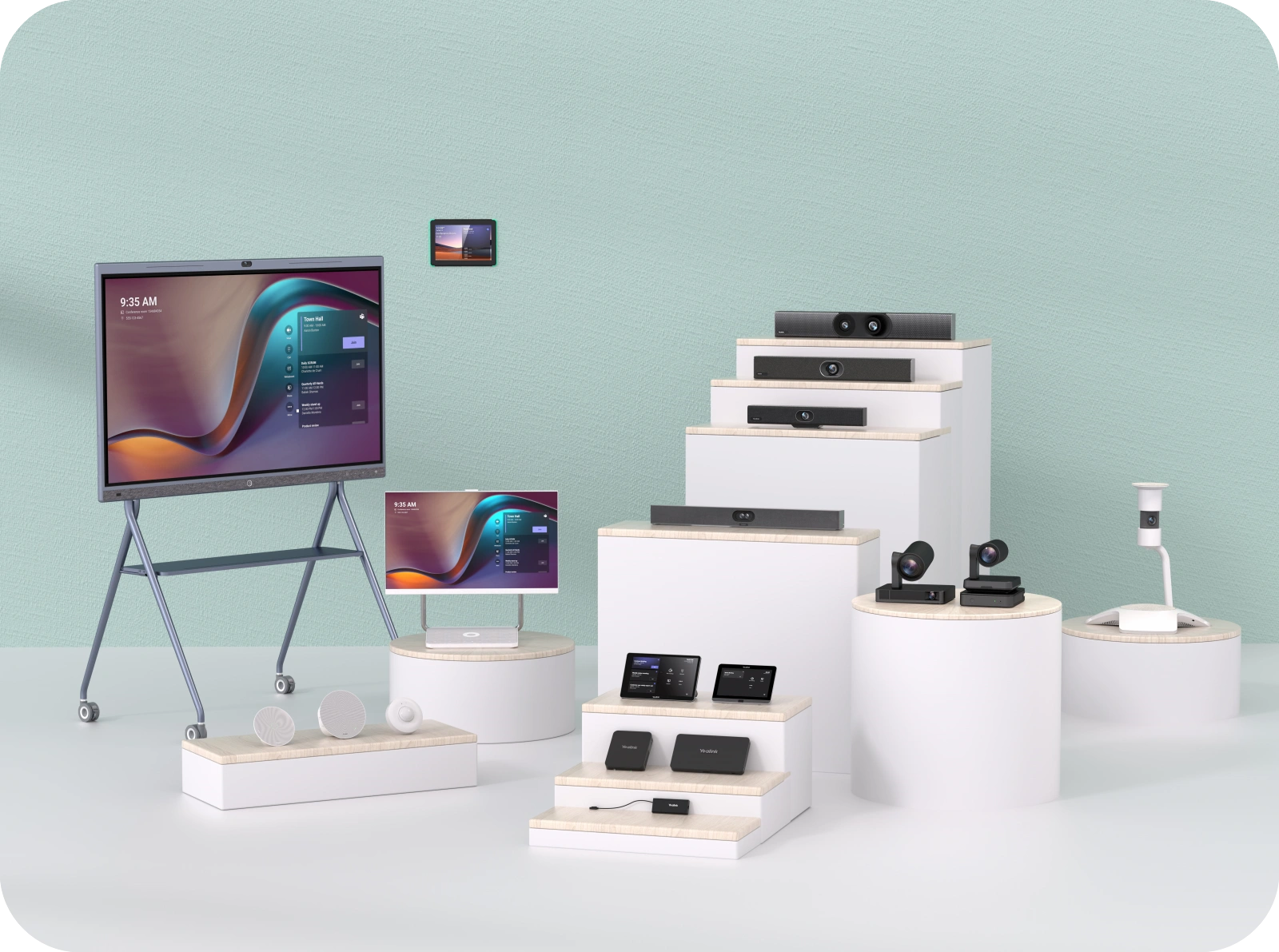
From small workspaces of 3-8 people and past 20 people, we’ve got solutions to cover your needs. We’ve listed some of the typical devices to give you an idea of what is possible.

Meeting Bar A40

Your camera and sound rolled into one unit. Dual Camera System to offer an ultra-wide view as well as close up shots of each participant and video fence to focus on the meeting participants, not the entire room.

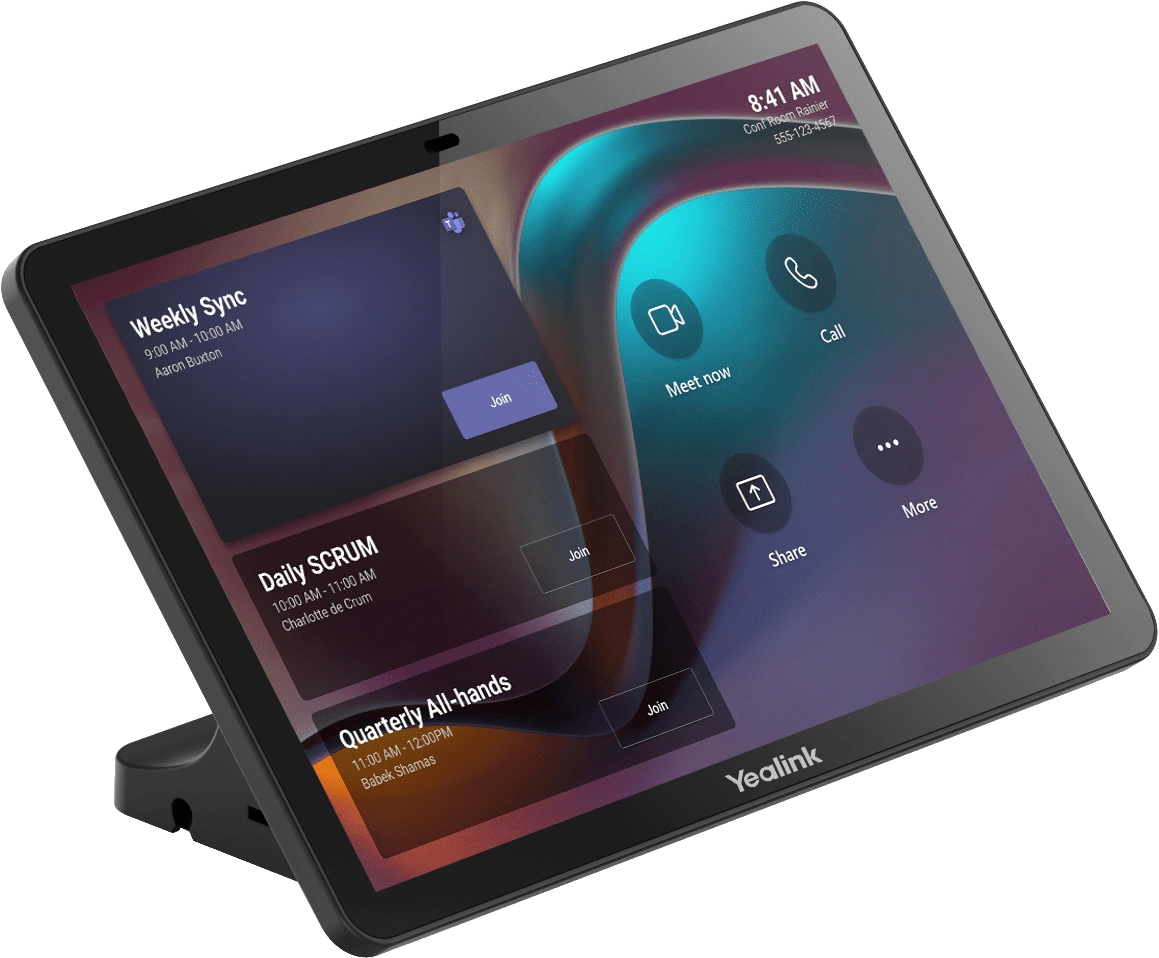
Touch Console

Start, join and control your meetings, including adjusting the camera and participant layouts. You can connect your PC to this unit via cable or use the next option wirelessly…
Wireless Presentation Pod

Share up to 4 displays to one main screen by simply plugging a pod into your laptop and pressing the button – super easy and no hassles with running cables across the table.
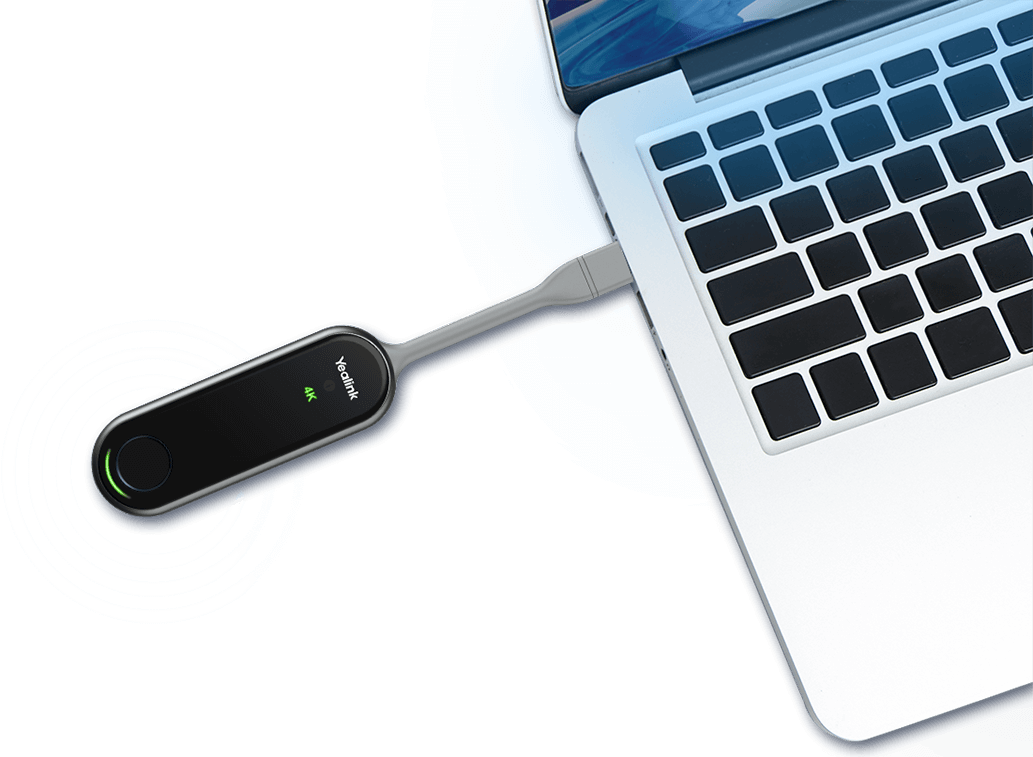
presentation pod
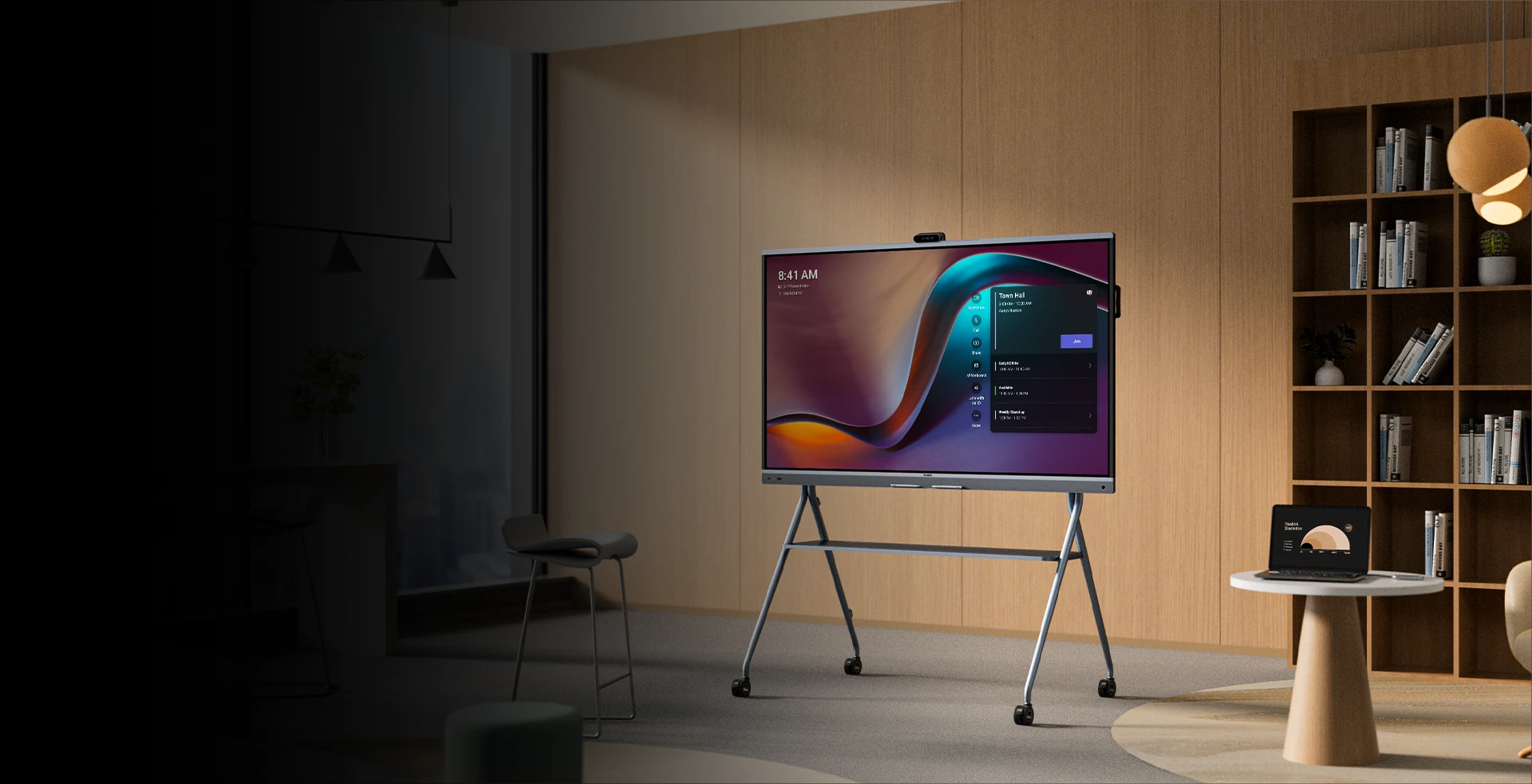
Interactive Whiteboard
  • Need a mobile solution you can roll between spaces or carry out a planning session within the meeting? It’s also a more all-in-one solution with built-in cameras rather than separate units.
Yealink range
And so much more...

From additional speakers and microphones to meeting displays, there are more options than we’ve highlighted across just the Yealink range (not to mention the other solutions available), so feel free to get in touch for more information.